How to Combine Multiple Attachments and Receipts into One Clean PDF
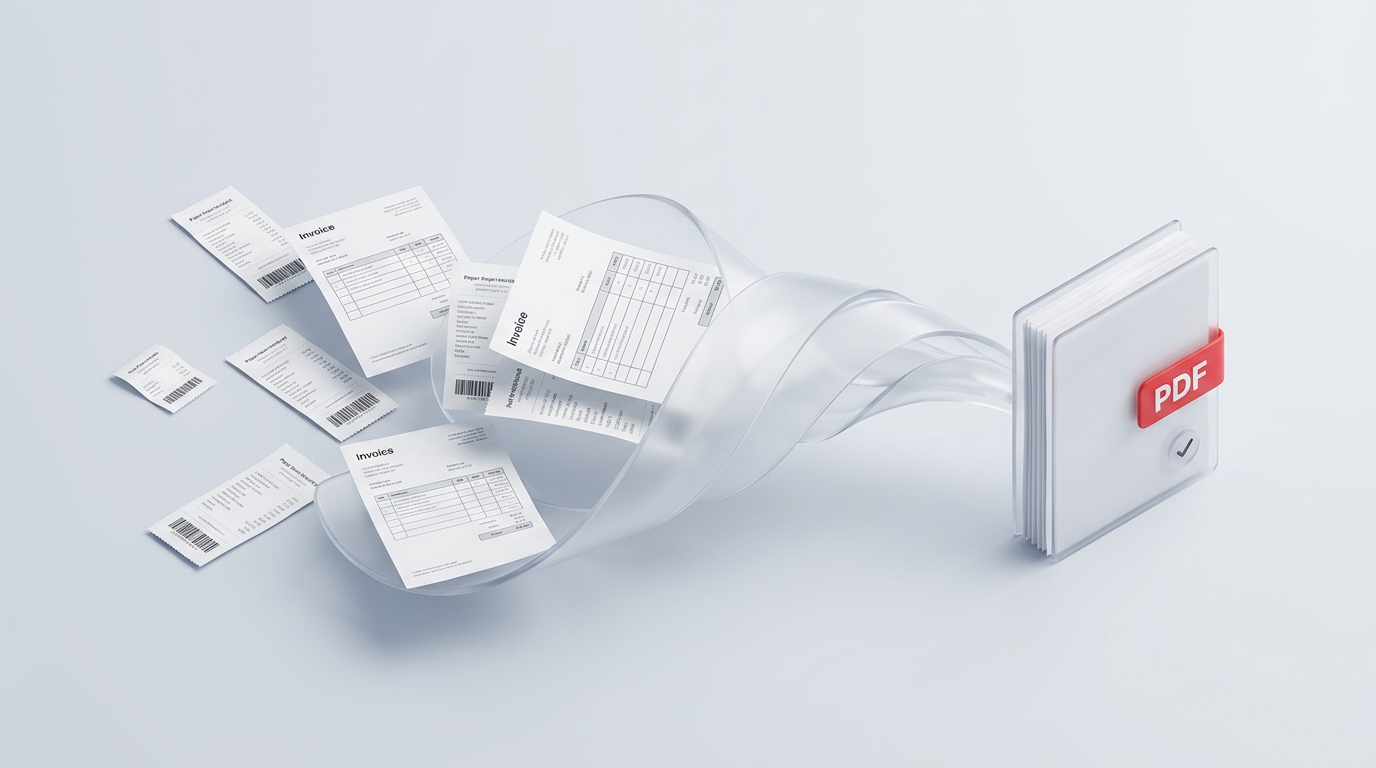
From mixed portrait contracts to sideways mobile receipt photos, here is a practical guide to assembling clean, professional, audit-ready PDF binders in minutes.
100% In-Browser Sandbox: All tools process files locally on your device · Zero server upload risks
Deep-dive technical guides, privacy compliance audits, and practical solutions for managing confidential files without cloud security risks.
From mixed portrait contracts to sideways mobile receipt photos, here is a practical guide to assembling clean, professional, audit-ready PDF binders in minutes.
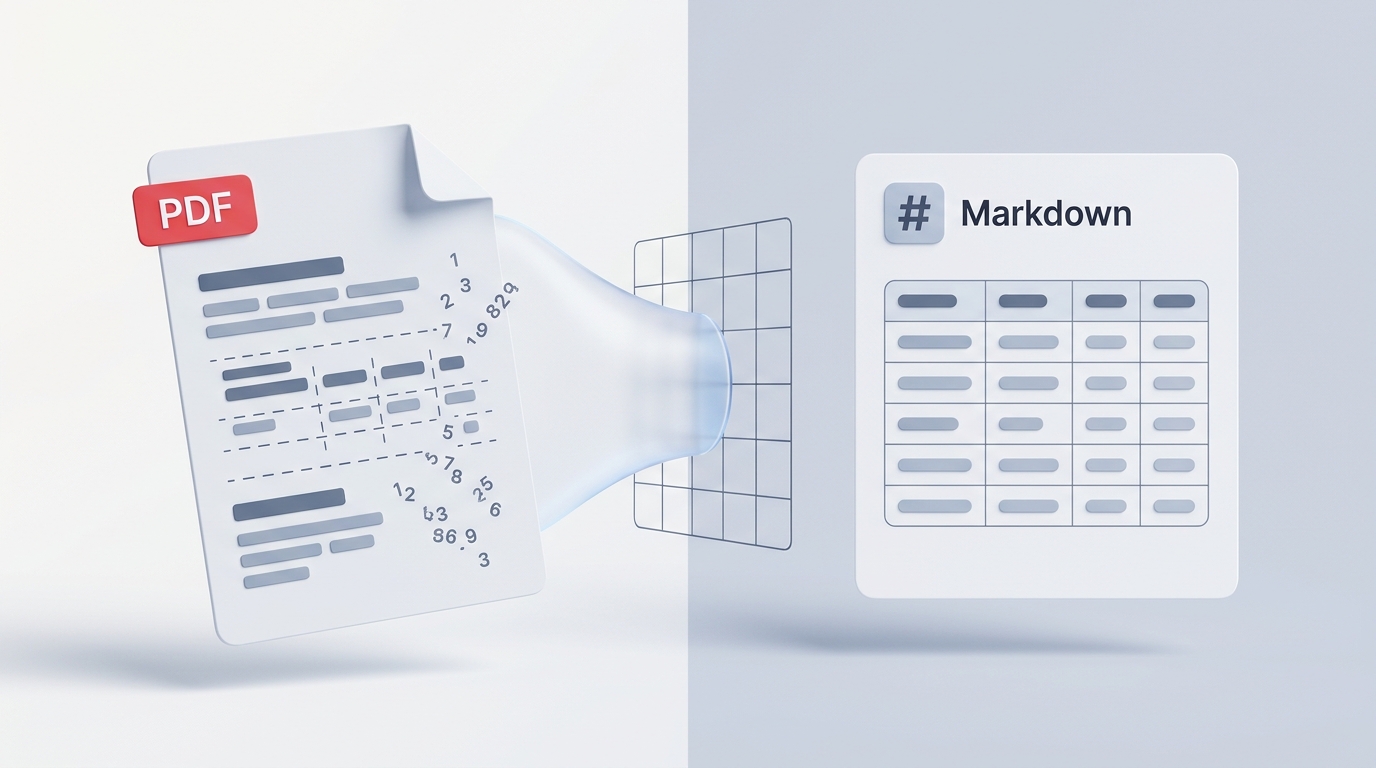
Tired of broken line breaks, jumbled columns, and scrambled tables when copying from a PDF? Here is how to cleanly extract formatted text and data into structured Markdown in seconds.
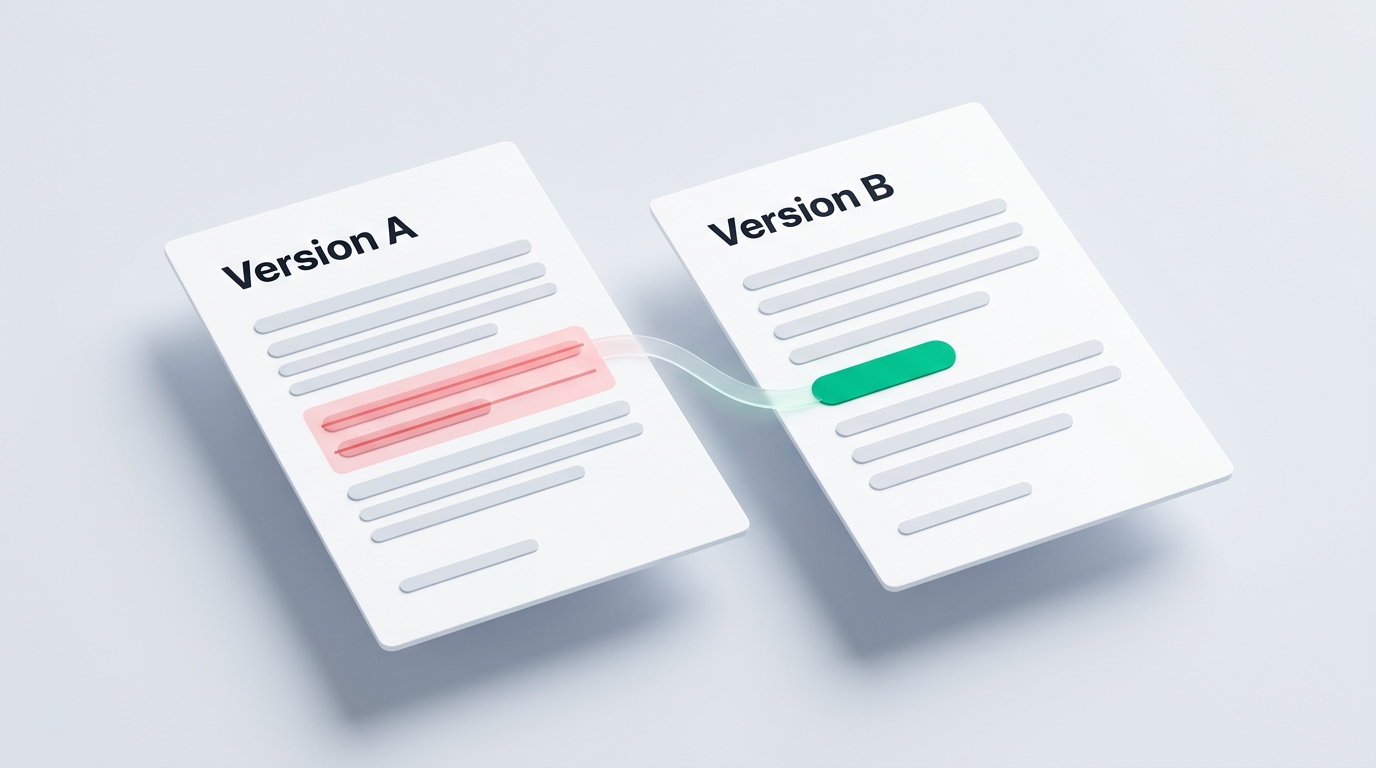
A single altered digit, a deleted clause, or a shifted decimal can cause confusion. Here is how to quickly compare two PDF versions side-by-side without missing sneaky changes or uploading sensitive files to cloud servers.
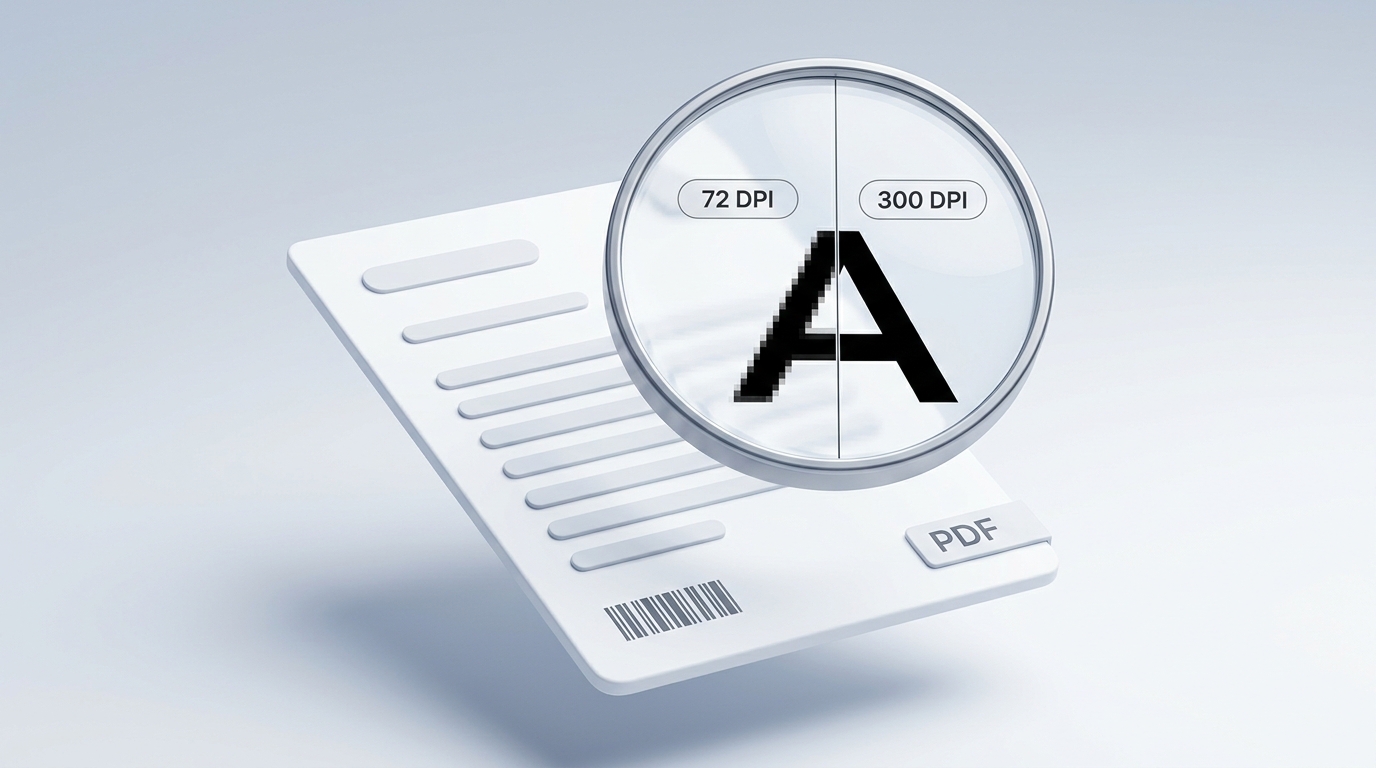
Why does a crystal-clear PDF turn into a fuzzy, pixelated mess when exported as an image? Here is the secret behind the 72 vs. 300 DPI resolution trap, and how to export razor-sharp JPGs for free.
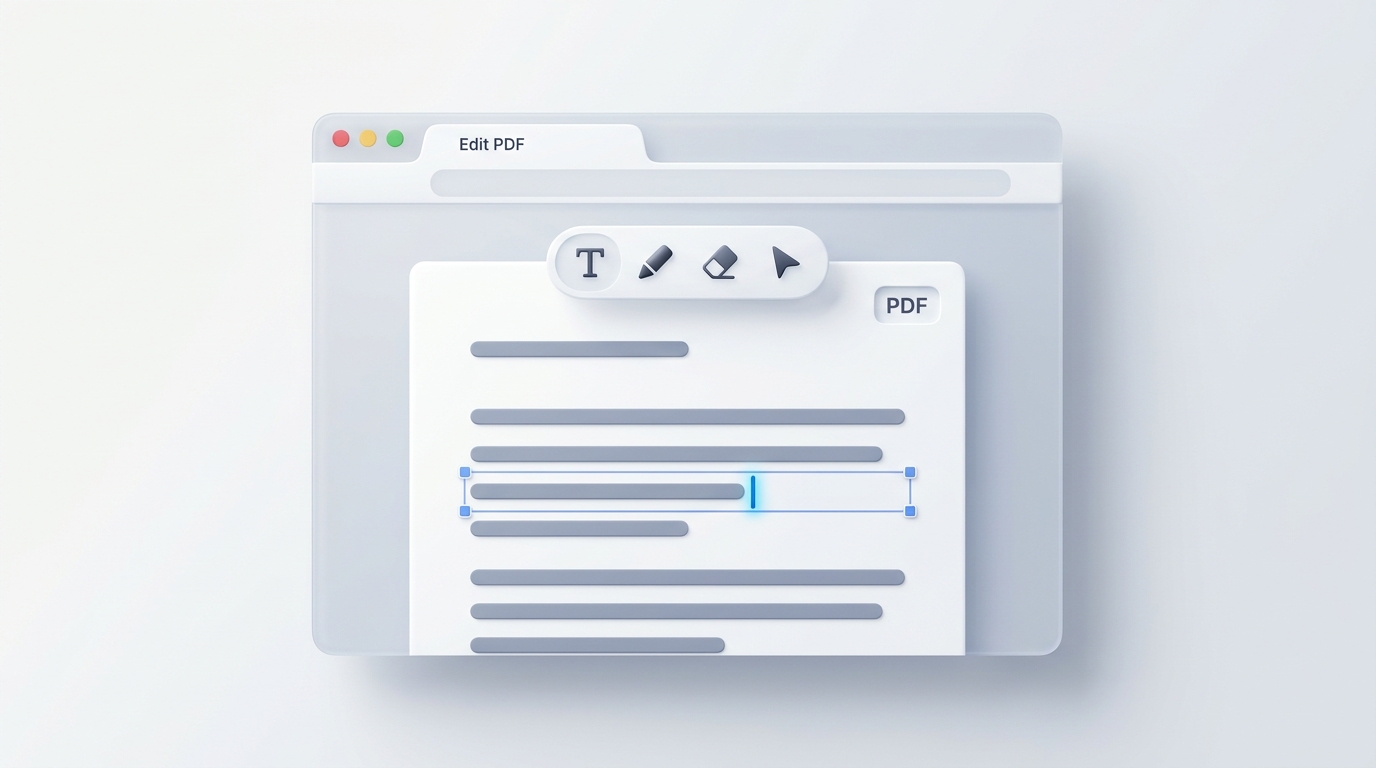
Need to fix a typo, fill out a non-fillable form, or update a date on a PDF? Here is how to edit documents directly in your browser without paying for expensive software subscriptions.
Need to securely email a tax form, financial statement, or confidential contract? Here is how to password-protect your PDF with military-grade encryption without uploading your secret files to cloud servers.
Sending a clean scan of your driver's license, passport, or business license is a massive identity theft risk. Here is how to add a tamper-proof, legal-grade watermark directly in your browser without uploading your sensitive IDs to cloud servers.
Discover why drawing black boxes or using digital highlighters fails to hide confidential PDF text, how everyday redaction leaks happen, and how to permanently sanitize text and metadata in your browser without uploading files.
Need to combine multiple PDF files into one clean document? Here is how to merge PDFs on both Mac and Windows for free, with zero software downloads and complete data privacy.
Learn how to sign contracts, agreements, and forms directly in your browser without printing, buying expensive software, or uploading private documents to cloud servers.
Learn how to permanently remove passwords from password-protected statements, utility bills, and personal documents using your browser or built-in tools without paying for Adobe Acrobat or risking private files on cloud servers.
All VersaPDF tools execute in your browser's local sandbox using WebAssembly. Files never touch any remote cloud server. No registration required.